Dynamic Graph Sampling Service for Realtime GNN Inference at Scale
 Graph neural networks(GNNs) learn graph vertex representations by aggregating multi-hop neighbor information. Industrial applications often adopt mini-batch training to scale out GNNs on large-scale graphs, where neighbor sampling is used during both model training and inference. Since the structure and attributes of real-world graphs often change dynamically, it is imperative that the inferred vertex representation can accurately reflect these updates.
 We provide a template repository for graph analysis applications, where users can customize graph analysis algorithms by replacing several C++ functions with their own logic, and run them on GraphScope.
 Recently,
 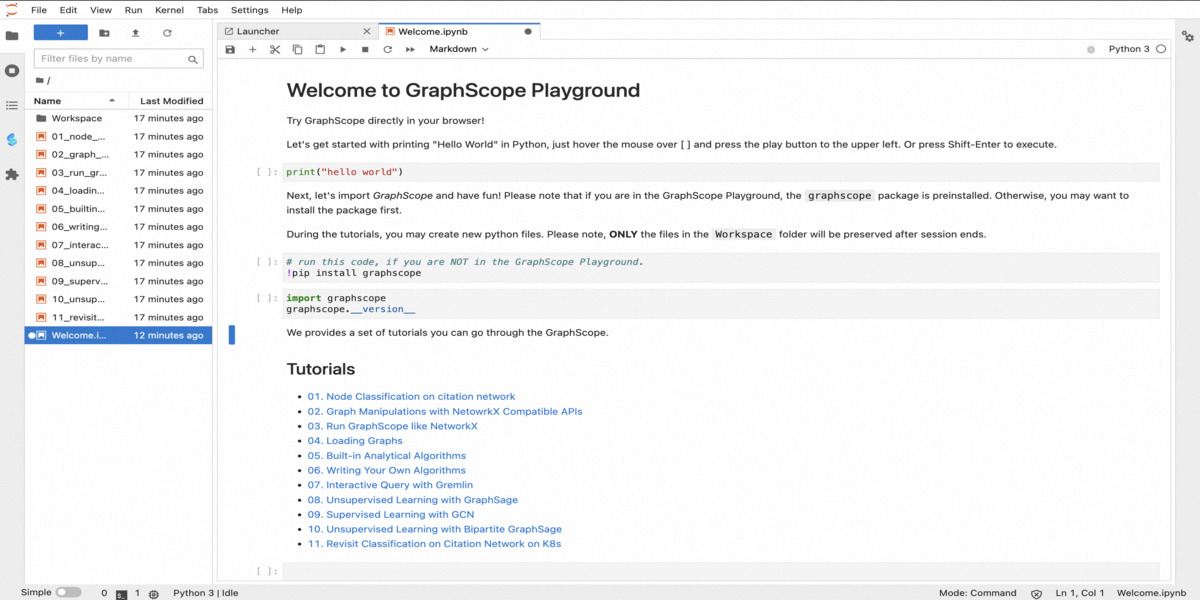 Schema construction and graph data loading are usually the complicated steps in graph computing processes. Currently, GraphScope has released a
  We are thrilled to introduce a range of enhancements to GraphScope, with the GraphScope 0.23.0 release. This release encompasses significant features and improvements in Graph Interactive Engine (GIE), GraphScope Flex, and Deployment.
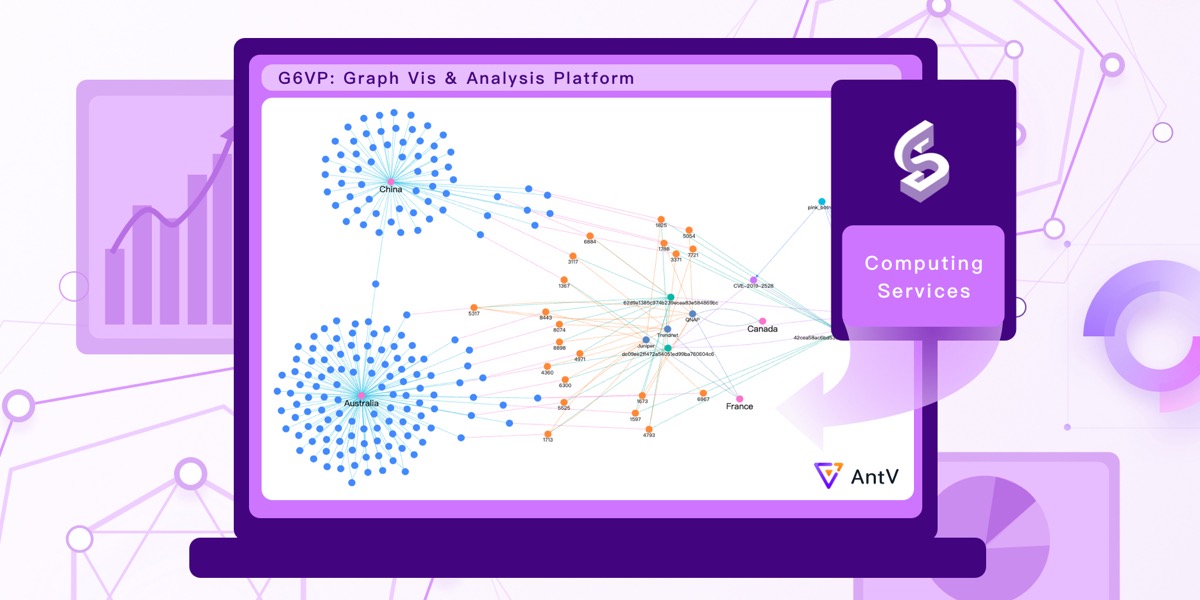 GraphScope now supports serving as the backend engine for
  In this blog, we introduce
  In this blog, we present
  This article demonstrate how to analyze graph with GraphScope in the style of NetworkX.
NetworkX is a tool for graph theory and complex network modeling developed in Python
and it has a simple and easy-to-use graph analysis interface. GraphScope provides a set of NetworkX-compatible graph analysis interfaces that not only support the use of simple and easy-to-use interfaces like NetworkX but also provide high-performance graph analysis algorithms to support the processing of ultra-large-scale graph data.
This article demonstrate how to analyze graph with GraphScope in the style of NetworkX.
NetworkX is a tool for graph theory and complex network modeling developed in Python
and it has a simple and easy-to-use graph analysis interface. GraphScope provides a set of NetworkX-compatible graph analysis interfaces that not only support the use of simple and easy-to-use interfaces like NetworkX but also provide high-performance graph analysis algorithms to support the processing of ultra-large-scale graph data. This article describes how to deploy and use GraphScope clusters using the Helm tool.
Helm is a software package management tool in the K8s ecosystem, similar to Ubuntu’s apt or Python’s pip, designed for managing K8s application resources. Using Helm, you can easily package, distribute, install, upgrade, and rollback kubernetes applications. GraphScope also supports deployment by Helm.
This article describes how to deploy and use GraphScope clusters using the Helm tool.
Helm is a software package management tool in the K8s ecosystem, similar to Ubuntu’s apt or Python’s pip, designed for managing K8s application resources. Using Helm, you can easily package, distribute, install, upgrade, and rollback kubernetes applications. GraphScope also supports deployment by Helm. This article will provide a detailed introduction on how to deploy GraphScope on a Kubernetes cluster. In real industrial scenarios, the scale of graph data that needs to be processed is huge and has far exceeded the processing capacity of a single machine. Therefore, in addition to the single-machine deployment method, GraphScope also supports running on a Kubernetes cluster with the distributed memory data management capability provided by vineyard. It will cover the following topics: 1) How to deploy GraphScope based on a Kubernetes cluster; 2) The details of the work behind it; 3) How to use your own built GraphScope development image in a distributed environment.
 In this post, we will detail two ways to install GraphScope locally: 1) directly install the published binary package through pip; 2) compile and build the latest version of GraphScope from source code.
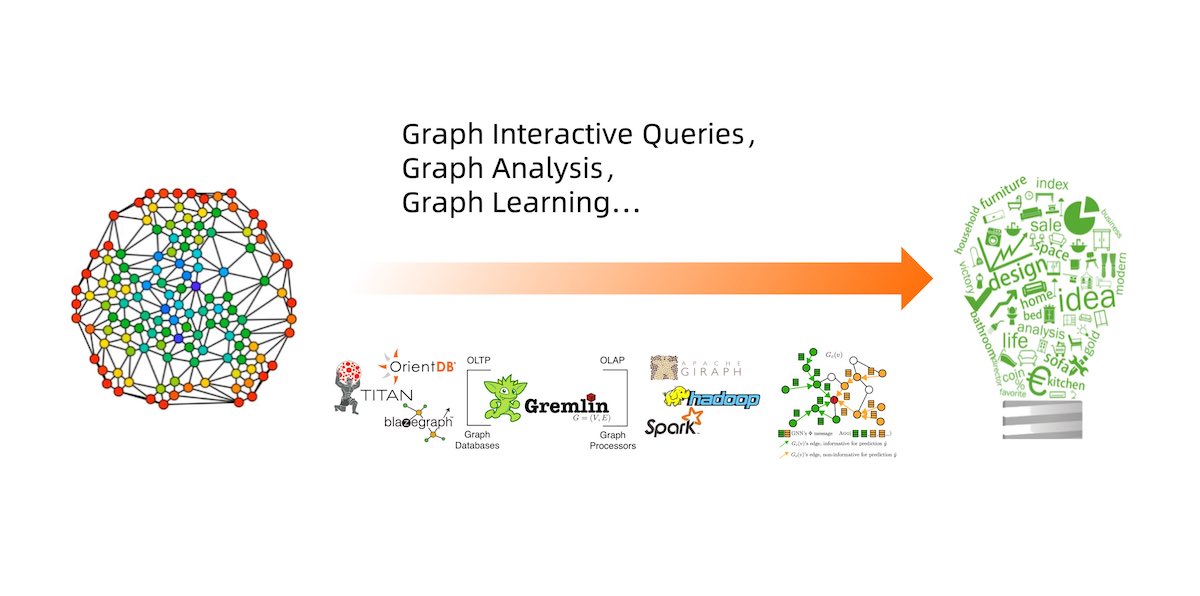 In this post, we will introduce the categories, languages, and systems of graph computing.
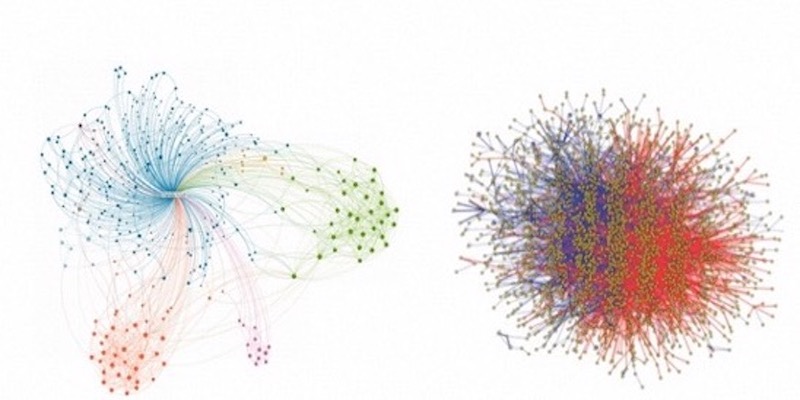 In this post, we will introduce basic concepts of graphs, and some typical applications of graph algorithms.